
A Guide to Digitizing Your Restaurant: The Complete Process
The digitization of a restaurant begins with an analysis of the business’s needs and goals. It helps address time-consuming ordering, unclear communication, and rising operating costs. This practical guide shows you how to proceed with selecting equipment, preparing content, implementing software, and subsequently evaluating the results.
A successful solution does not come from simply purchasing a standalone display. It is necessary to integrate technology with the restaurant’s day-to-day operations. The result should be faster service, better customer navigation, and easier information management.
The best approach to digitizing a restaurant consists of six steps: assessing needs, selecting equipment, designing content, implementing software, testing, and evaluating effectiveness. Each step builds on the previous one and helps minimize unnecessary costs and operational complications.


Digitizing a restaurant starts with understanding its operations
1. Assess the restaurant’s needs and goals
Every establishment has a different concept, customer traffic, and service style. A full-service restaurant has different requirements than a fast-food restaurant, which in turn differs from a café. Therefore, start by identifying the areas where delays or misunderstandings occur.
- long wait times when placing an order,
- a confusing paper or static menu,
- frequent changes to the menu and prices,
- insufficient communication with customers,
- time-consuming updates to information,
- inefficient communication of information between the front-of-house staff and the kitchen.
Review the order process from the first point of contact with the customer through to completion. Identify where bottlenecks, duplications, or errors occur. Involve employees in the analysis as well, since they are familiar with practical issues that may not be apparent from a management perspective.
Set specific and measurable goals. These might include reducing wait times, minimizing errors, simplifying menu selections, or improving the customer experience. Digital kiosks for modern businesses can be a suitable solution when customers need more autonomy in making their selections.
2. Select the appropriate digital signage devices
The choice of technology affects readability, reliability, and the complexity of day-to-day management. Consider whether you need digital menu boards, information displays, an interactive kiosk, an LED screen, or a combination of several types.
When making your decision, consider the screen size and resolution, viewing distance, mounting method, and available connectivity options. In a restaurant setting, resistance to grease, steam, dust, and heavy use is also important. The device must fit into the space while remaining clearly visible.
Verify compatibility with the planned software and existing infrastructure. Remote content management is a practical feature that allows you to update menus, daily specials, or informational announcements without having to physically access each display. The basics of digital signage, which explain the differences between various solutions, will also help you make your selection.

Digitálna komunik.
How can you create content that customers can quickly understand?
3. Design the structure and content of the digital displays
A digital display is meant to help customers make decisions, not overwhelm them with information. Divide the content into clear sections and create a visible hierarchy. The most important items—menu names and prices—must be legible even from a distance.
- Identify the key information that customers should see first.
- Divide the menu into logical categories.
- Choose a consistent font, colors, and graphic elements.
- Check the contrast and readability under various lighting conditions.
- Tailor the content to the time of day, the season, and the current offerings.
The visual style should align with the restaurant’s identity. Consistent elements build trust and make it easier for customers to navigate the site. Photos of dishes, short animations, and dynamic presentations can make the menu more appealing, but each element must serve a clear purpose.
Avoid cluttered screens, font sizes that are too small, and rapid transitions. Customers often only glance at the screen briefly. A simple layout will allow them to find the dish they want, the price, or additional information more quickly.
When creating your design, apply the key principles of digital signage. They will help you optimize readability, contrast, display rhythm, and the appropriate amount of information without creating unnecessary visual clutter.
4. Implement the control software and integrate the systems
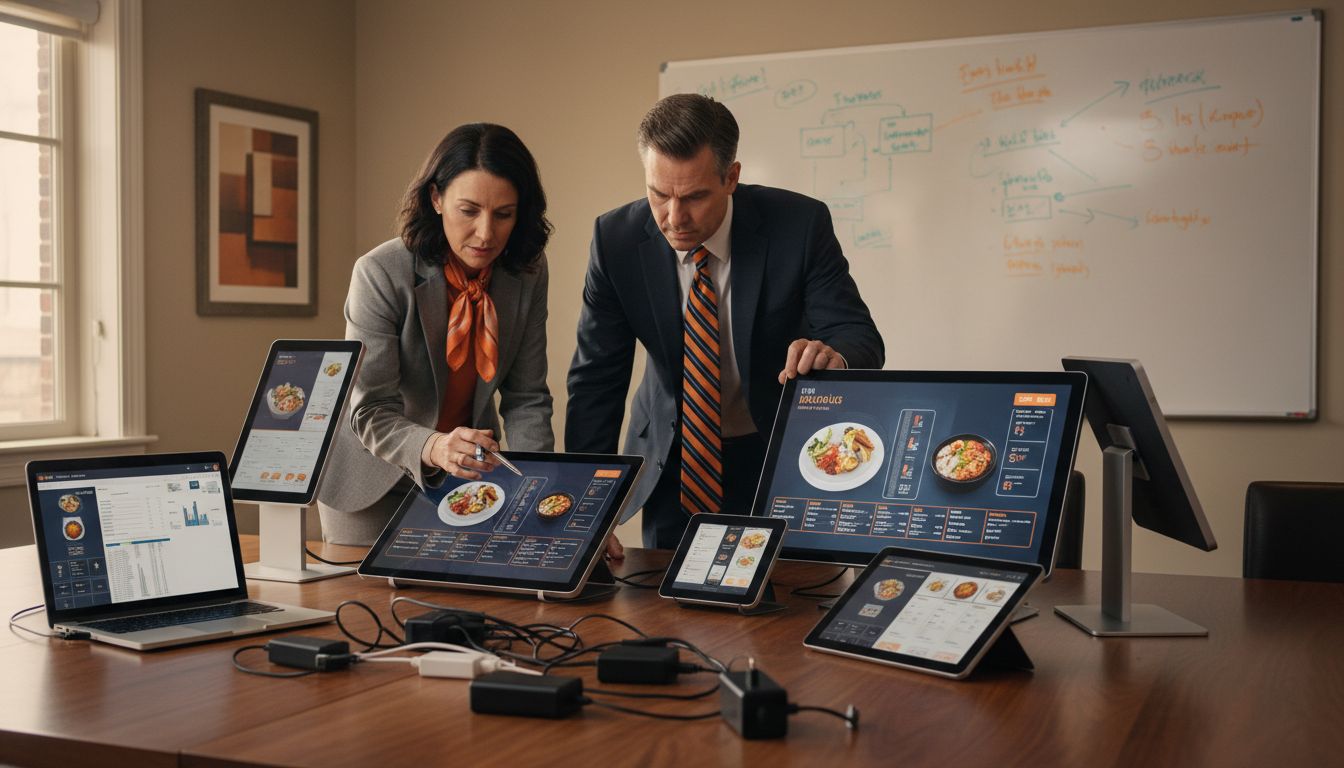
The control software integrates the devices into a single functional unit. It enables centralized content management, display scheduling, and remote control of the displays. With multiple screens, the operator does not need to adjust each device individually.
When selecting software, check for support for the devices you use, ease of customization, and user permission options. It’s also convenient to schedule content by time or for a specific screen. This way, the breakfast menu, lunch specials, and evening announcements can be displayed according to a set schedule.
Integration with other systems must take actual operational processes into account. Before deployment, prepare a list of the technologies to be integrated and determine which data will be exchanged between the systems. For a larger number of displays, a comprehensive digital signage software solution may be appropriate.
Testing determines the reliability of a solution
5. Test functionality and optimize operations
Before launch, test each display under conditions that reflect normal operation. Verify readability, correct display of graphics, the loading of updates, and the system’s response to a connection failure.
- Check that the text, prices, and dish names are correct,
- Test the display on all connected screens,
- Verify the content schedule by time,
- Try the remote update,
- Establish a procedure for technical failures,
- Train employees in the basics of system administration.
Be sure to conduct testing during peak hours as well. This will reveal whether the displays interfere with customer traffic, whether they are clearly visible, and whether the content supports quick decision-making. Feedback from the team may reveal the need to adjust the placement, text size, or order of the information.
6. Evaluate the effectiveness of digitization
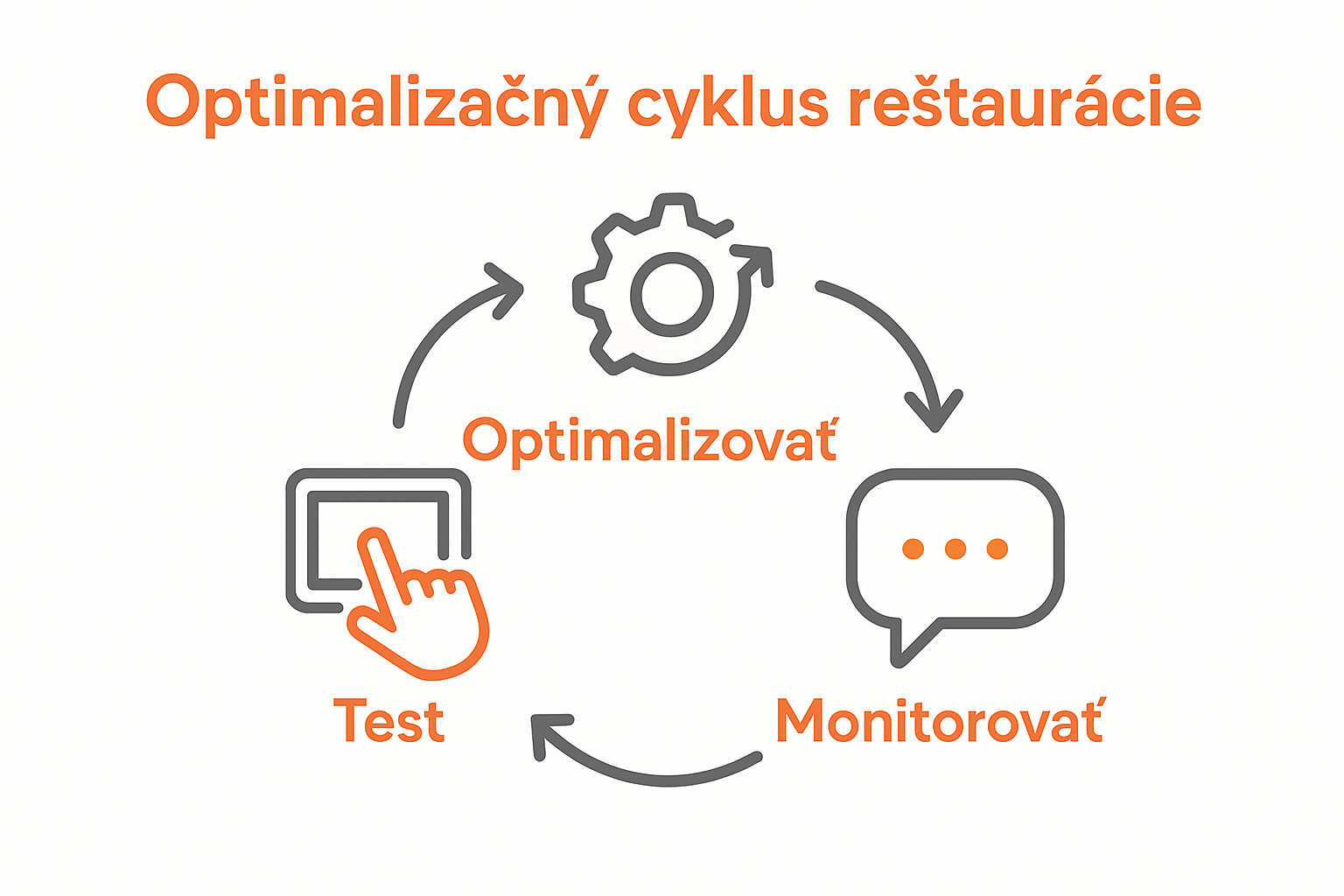
Digitizing a restaurant doesn’t end with turning on the screens. Once the system is up and running, monitor whether the solution is delivering the expected improvements. Compare the situation before and after the system’s implementation based on predetermined goals.
In particular, you can evaluate wait times, the number of ordering errors, the time needed to adjust the menu, the use of individual screens, and the reactions of customers or employees. Consistency is key. A one-time observation may not capture the differences between quieter and busier periods.
Use the results to make gradual adjustments. Change the order of items, shorten long texts, adjust display times, or add information that customers frequently search for. This creates a digital signage system that adapts to your operations rather than limiting them.
Frequently Asked Questions
What is the first step in digitizing a restaurant?
The first step is to analyze the operation’s needs, processes, and goals. The first thing to do is identify areas where delays, errors, or unclear communication occur.
Frequently Asked Questions
What does the digitization of a restaurant entail?
Restaurant digitization involves the implementation of digital technologies in ordering, menu presentation, communication, content management, and day-to-day operational processes. Its goal is to simplify service, reduce errors, and improve the customer experience.
What problems can digitizing a restaurant solve?
It can reduce wait times when placing orders, minimize errors, simplify menu and price updates, and improve the flow of information between servers, the kitchen, and customers.
What kind of equipment is suitable for a restaurant?
Digital menu boards, information displays, interactive kiosks, LED screens, or a combination of these may be suitable solutions. The choice depends on the type of business, the space, foot traffic, and the method of service.
What should you keep in mind when choosing a digital display?
Consider the screen size and resolution, viewing distance, mounting method, available connectivity, and resistance to grease, steam, dust, and heavy use. Software compatibility is also important.
Why is remote content management important?
Remote management allows you to update menus, prices, daily specials, and announcements without having to manually adjust each display. It saves time and helps keep information up to date throughout the entire establishment.
How do you prepare content for a digital menu?
The content should be concise, easy to read, and organized according to customer needs. Highlight key items, current offers, and important information. Check the text, photos, and prices regularly to ensure they match your actual offerings.
How can we engage employees in the digital transformation?
Employees should be involved in the needs analysis, testing, and implementation of the solution. They are familiar with the practical challenges of day-to-day operations and, at the same time, need clear instructions and training on how to use the new tools on a daily basis.
How can you tell if a restaurant’s digital transformation has been successful?
Evaluate success using measurable metrics, such as the time required to process an order, the number of errors, the speed at which the product catalog is updated, staff workload, and customer feedback. Compare the results with the situation before the solution was implemented.