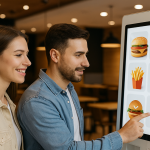

How to increase the average bill value in a restaurant with a digital menu
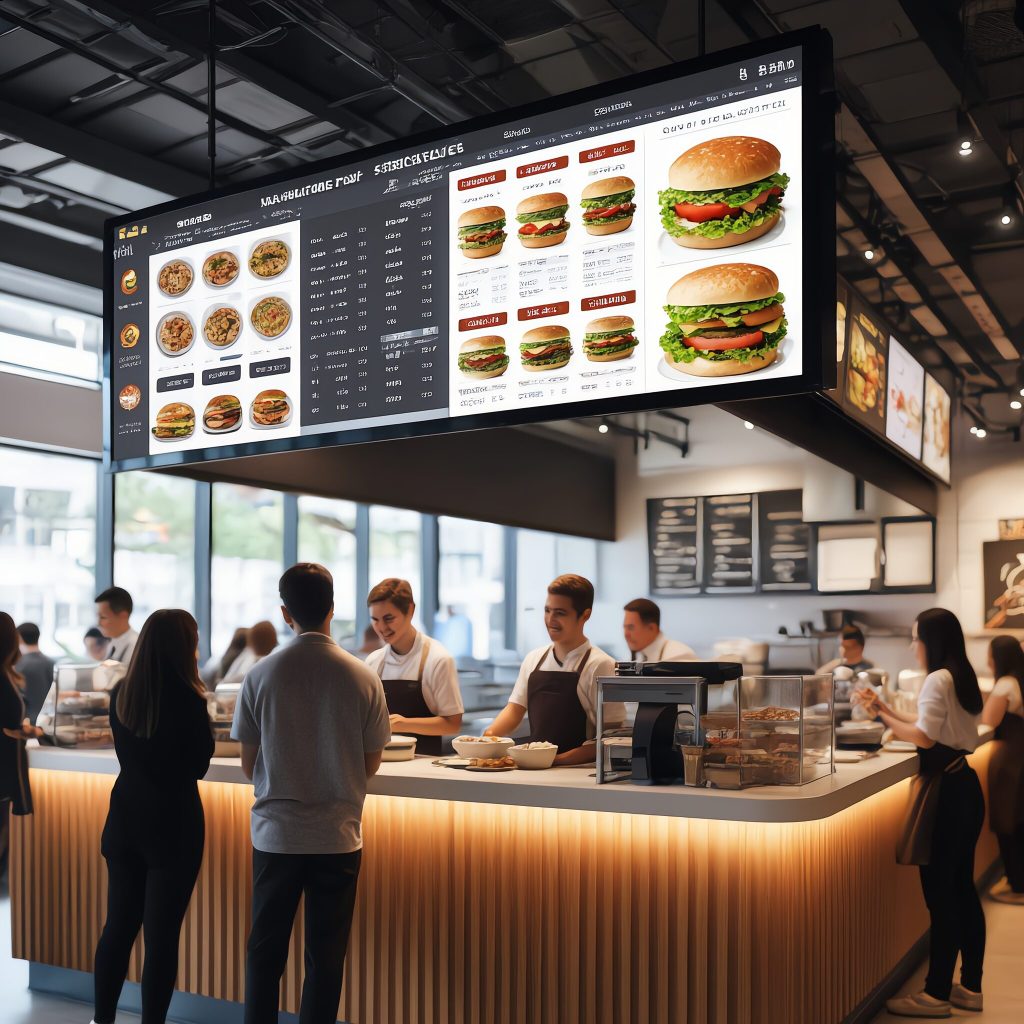
Customers make decisions with their eyes. If the menu doesn’t move and work with attention, a large portion of guests will pick “their thing” and move on. Digital menu boards and digital signage can draw the eye at the right moment, casually recommend an add-on or premium option, and simplify the entire ordering process – from the first “I’ll take a look” to the takeaway.
This article is prepared for restaurants and gastro operations in Slovakia and the Czech Republic – from fast food to bistros and pubs to franchises.
Why a static menu is no longer enough
– Habit is an iron shirt. Standing guests often do not read the whole ticket. Digital can draw attention for a few seconds to a new item, a seasonal special or a higher-margin item – without being annoying.
–Real-time updates. Prices, availability, allergens, language mutations (SK/CZ/EN) – everything can be adjusted centrally and instantly. The ideal is to have the right, robust and reliable “digital signage” software for content management
–Less press, less chaos. No more re-gluing boards and reprinting paper versions. Staff have their hands free for service.
Many case studies show that dynamic screens can generate significantly more views than static posters and significantly influence the customer’s choice. In practice, this means a higher “basket size” and faster turnaround.

How digital currency increases bill diameter
1) Imaginative “upsell” and “cross-sell” at the right time
Subtle animations, rotating visuals and themed slots can subtly offer:
– main course accompaniment (extra cheese, egg, bacon),
– discounted bundle (menu + drink + dessert),
– premium version (bigger meat, better alcohol, craft lemonade).
2) Personalisation and working with data
– Time of day , weather or branch location: digital can recommend relevant items (light meals for lunch, hot drinks in winter, family sets at the weekend).
– With drive-thru or self-order kiosks, the customer can see their choice even with exceptions in real time – fewer errors, fewer complaints.
3) Local campaigns for SK/CZ
– Pre/post match: bars and restaurants near stadiums can automatically deploy a “match-day” offer (hockey, football).
– Seasonality: summer terraces, vintage, Christmas markets – digital can change content according to the calendar and demand.
Order accuracy = happier guests and more returns
When a customer sees “cheeseburger – no pickles, no tomatoes, no onions” on the screen, he or she is assured that the kitchen will prepare exactly what he or she wants. The result:
– fewer misunderstandings between guest and staff,
– faster check-in,
– less waste and unnecessary costs.
Less stress for staff, more efficiency
The screen does much of the “product communication” for you. The team can focus on service: refilling drinks, communicating with guests, cleanliness and pacing.
The manager has less to do around updates – leaving more time for training and quality.
How much does it cost and how to get started (practical procedure)
- Quick audit of supply and margins. Select 10-15 items that matter most (news, signatures, high margin).
- Screen templates. Prepare 2-3 options (breakfast/lunch/dinner; weekdays vs. weekend).
- Hardware by space.
- Interior: displays or screens + player,
- dispensing/window: special screens,
- exterior: durable outdoor solutions.
- A/B testing of visuals. Test the order, the size of the price, the photos, the allergen icons.
- Measurement and iteration. Track accessory sales, turnaround time, complaints. Every 2-4 weeks, fine-tune the content.
Tip for franchises: central content + local micro-campaigns (e.g. “Brno centre – lunch menu” vs. “Košice – evening events”). All managed from one platform.
Content blocks that work
– “Today’s featured ” – 2-3 higher margin items.
– Family menus-easy choices for groups.
– Seasonal offers – strawberry/asparagus/”October – craft beers”.
– Happy hours – clear times and rules.
– Allergens & pictograms – clarity = quicker decisions.
The most common mistakes (and how to avoid them)
– Crowded screen. Less is more – give space for one key message per panel.
– Outdated prices and items. Without checking it always fails
– Poor photos. Invest in custom visuals or production quality; use photo banks in moderation.
– No measurement. Without goals and KPIs, it’s hard to demonstrate the impact on sales.
Quick checklist before launch
– Editing rights set
– Templates for different daily sections and locations
– Defined KPIs ( upsell rate, dispensing rate, complaints)
– Quality visuals and consistent brand identity
– Weekly mini-report + monthly optimization
Summary
A digital menu is not just a “pretty screen”. It’s a sales tool that:
– Increases average bill value,
– speeds up decision making and reduces errors,
– relieves staff and brings clarity to management.
If you run a restaurant in Slovakia or the Czech Republic, start with a small pilot for one branch. After three to six weeks, see which visuals and offers pull in the most sales – and then scale that up.